

Best IPTV Encoder Under $1500: Affordable Streaming Solutions for Professionals and Startups
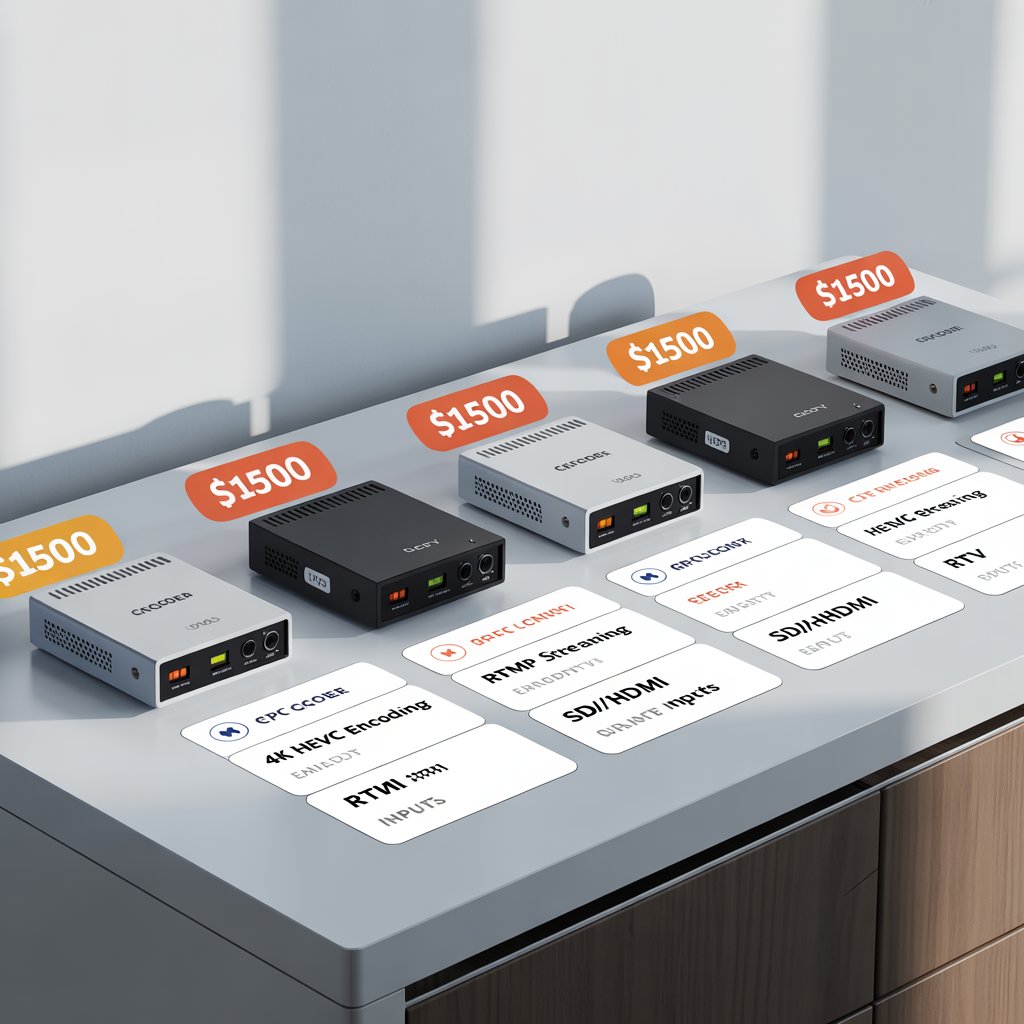
Best IPTV Encoder Under $1500: Affordable Streaming Solutions for Professionals and Startups
Summary: Looking for the best IPTV encoder under $1500? This guide explores top affordable encoders for engineers, IPTV startups, tech enthusiasts, and business owners. Learn which models deliver the best performance without breaking your budget.
What Is an IPTV Encoder Under $1500?
An IPTV encoder under $1500 is a device that converts video signals (HDMI, SDI, etc.) into IP-based digital streams. These encoders are essential for Internet Protocol Television (IPTV), allowing you to transmit high-quality video across IP networks. Affordable encoders in this price range are perfect for startups, broadcasters, and online streamers who want professional results on a budget.
Why Choose an IPTV Encoder Under $1500?
Choosing an IPTV encoder in this range ensures value, reliability, and scalability for your streaming workflow.
- 💰 Affordable investment – ideal for startups and small broadcasters.
- ⚙️ Professional-grade encoding up to 4K in select models.
- 🌐 Protocol flexibility (RTMP, HLS, SRT, UDP).
- 🔧 Easy setup and management with web interfaces.
- 🔒 Stable streaming with minimal latency.
Top Features to Look for in an IPTV Encoder Under $1500
1. Supported Inputs
Ensure your encoder supports the right input types — HDMI, SDI, or analog (AV, VGA) depending on your source.
2. Encoding Standards
- H.264 / AVC – widely compatible and efficient.
- H.265 / HEVC – 50% better compression with similar quality.
3. Streaming Protocols
- RTMP – for YouTube, Twitch, Facebook.
- HLS – for OTT and Apple devices.
- SRT – for low latency over unstable networks.
- UDP/RTP – for IPTV delivery systems.
4. Resolution & Bitrate
Most models support 1080p; some premium options reach 4K with adjustable bitrate controls.
5. Multi-Channel Capability
Some encoders can stream multiple channels simultaneously, ideal for professional IPTV operators.
6. Control Interface
Look for web-based control panels, mobile apps, or NMS systems for easy management.
Top 7 IPTV Encoders Under $1500 (2025 Edition)
1. URayCoder H.265 HDMI Encoder
- Price: ~$450
- Best for: Small IPTV systems, churches, and live events.
- Features: HDMI input, H.264/H.265 support, RTMP/RTSP/SRT protocols, easy web UI.
2. Kiloview E1 NDI Encoder
- Price: ~$699
- Best for: Broadcast engineers, NDI workflows.
- Features: SDI input, NDI|HX, SRT, RTMP, low power design.
3. Magewell Ultra Stream HDMI
- Price: ~$899
- Best for: Professional streamers and hybrid broadcasters.
- Features: HDMI input, USB recording, app control, 1080p60 encoding.
4. TBS2603AU H.265 HDMI Encoder
- Price: ~$600
- Best for: IPTV operators and business streaming.
- Features: Dual audio, H.265 encoding, multiple protocol support.
5. Datavideo NVS-34 Dual Channel Encoder
- Price: ~$1,299
- Best for: Multi-stream broadcasters.
- Features: Dual streaming outputs, 1080p60, RTMP & UDP support.
6. Kiloview P1 4G-LTE Encoder
- Price: ~$1,200
- Best for: Outdoor and mobile streaming.
- Features: SDI input, LTE bonding, SRT/RTMP, battery-powered.
7. URayCoder 4K HDMI HEVC Encoder
- Price: ~$1,499
- Best for: 4K content creators and IPTV startups.
- Features: 4Kp60 encoding, H.265, RTMP/SRT/HLS support.
Comparison Table
| Model | Input | Encoding | Protocols | Approx. Price |
|---|---|---|---|---|
| URayCoder H.265 HDMI | HDMI | H.265/H.264 | RTMP, RTSP, SRT | $450 |
| Kiloview E1 | SDI | H.264/NDI | NDI|HX, RTMP, SRT | $699 |
| Magewell Ultra Stream | HDMI | H.264 | RTMP, HLS | $899 |
| TBS2603AU | HDMI | H.265/H.264 | RTMP, UDP, HLS | $600 |
| Datavideo NVS-34 | HDMI/SDI | H.264 | RTMP, UDP | $1299 |
| Kiloview P1 | SDI | H.264 | RTMP, SRT | $1200 |
| URayCoder 4K HEVC | HDMI | H.265 | RTMP, SRT, HLS | $1499 |
How to Choose the Right IPTV Encoder Under $1500
- Broadcast Engineers: Prefer SDI input, NDI compatibility (Kiloview E1).
- IPTV Startups: Choose scalable 4K-ready models (URayCoder 4K).
- Tech Enthusiasts: Opt for easy setup and app control (Magewell Ultra Stream).
- Business Owners: Go for reliability and remote management (TBS2603AU).
Setting Up an IPTV Encoder: Step-by-Step
- Connect your video source (HDMI/SDI).
- Access the encoder via web UI.
- Configure bitrate, resolution, and codec.
- Select streaming protocol (RTMP, SRT, HLS).
- Enter stream destination and start streaming.
Pro Tip: Test with lower bitrate before going live to ensure stability.
Common Use Cases
- 🎥 Live event broadcasting
- 🏢 Corporate internal streaming
- 📺 IPTV/OTT channel creation
- 🧑💼 Online education and webinars
- 🛰️ Remote production feeds
Maintenance Tips
- Keep firmware updated.
- Backup configuration files regularly.
- Use SRT/HLS for unreliable networks.
- Clean ventilation to prevent overheating.
Conclusion: Stream Smarter on a Budget
The best IPTV encoder under $1500 proves that affordability and performance can coexist. From entry-level models like URayCoder to advanced dual-channel systems from Datavideo, you can achieve professional streaming without overspending. Perfect for broadcasters, startups, and tech innovators ready to level up their IPTV game.
Next Step: Read our guide on the Best IPTV Encoders Over $3000 or subscribe for more IPTV hardware insights.
