

4K IPTV Encoder: The Ultimate Guide to High-Quality Video Streaming in 2025
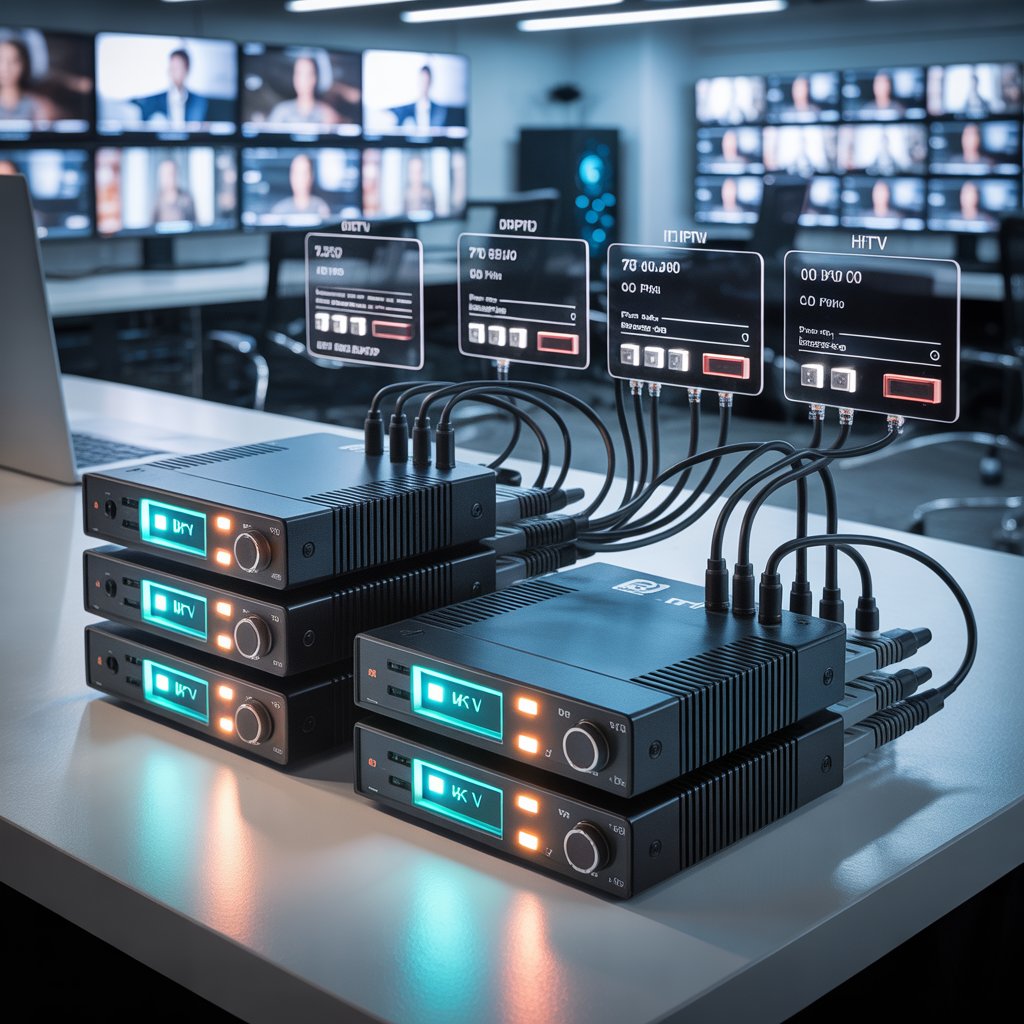
4K IPTV encoder: The Ultimate Guide to High-Quality Video Streaming
Updated: November 4, 2025 • Tone: Professional • Audience: Broad — broadcasters, streamers, engineers
A 4K IPTV encoder converts raw 4K video into compressed IP streams (H.265, H.264, etc.) for live and on-demand delivery over IP networks. It balances quality, latency, and bandwidth so broadcasters and OTT platforms can deliver smooth ultra-HD viewing experiences.
A 4K IPTV encoder is a specialized hardware or software solution that converts high-resolution 4K video into efficient IP streams suitable for IPTV, OTT, or CDN delivery. Whether you’re broadcasting live sports, running an IPTV service, or streaming ultra-HD events, the encoder is the core device that shapes video quality, latency, and viewer experience.
Why a 4K IPTV encoder matters for modern streaming
Streaming in 4K increases immersion and viewer satisfaction, but it also demands careful handling of bitrate, codecs, and network conditions. A quality 4K IPTV encoder applies advanced compression (like H.265/HEVC), supports adaptive streaming protocols, and helps you scale while preserving visual fidelity.
Key advantages
- Ultra-HD clarity: 3840×2160 resolution for crisp images.
- Bandwidth efficiency: H.265 reduces required Mbps versus older codecs.
- Low latency: Essential for live events and interactive broadcasts.
- Protocol flexibility: RTMP, HLS, MPEG-DASH, SRT, and more.
- Reliability: Hardware encoders are built for 24/7 operation.
How a 4K IPTV encoder works — a simple breakdown
Put simply, a 4K IPTV encoder accepts a 4K video feed (HDMI, 12G-SDI, or NDI), compresses it using a codec, and sends the encoded stream to an IPTV server, CDN, or directly to end clients. The major stages are input, compression, packaging, and transmission.
Processing stages
- Input: Camera or production switcher inputs (HDMI/SDI/NDI).
- Encoding: H.265/HEVC or H.264/AVC with hardware acceleration.
- Packaging: Prepare HLS, MPEG-DASH, or fragmented MP4 for CDNs.
- Delivery: Send via RTMP, SRT, or HLS to servers and players.
Core features to evaluate in a 4K IPTV encoder
Choosing the right encoder means comparing the features that affect performance, compatibility, and long-term value.
Codec and compression support
Look for support for H.265/HEVC for best bandwidth savings; maintain H.264 for legacy compatibility. Emerging support for AV1 is a plus for future-proofing.
Input & output options
Hardware encoders should offer HDMI 2.0 or 12G-SDI inputs, multiple audio channels, and gigabit (or 10Gb) Ethernet with link bonding or dual-port redundancy.
Streaming protocols
- RTMP/RTMPS — live social platforms and CDNs.
- HLS / MPEG-DASH — adaptive bitrate (ABR) streaming.
- SRT — secure, low-latency transmission over unreliable networks.
- MPEG-TS — legacy broadcast compatibility.
Top 4K IPTV encoder models (representative picks)
Below are representative models across categories — professional broadcast, mobile/field, and budget-friendly options. Update model names with your vendor list as needed.
Professional / Broadcast
- Kiloview N60 — NDI + HDMI 4K, low latency, studio features.
- Teradek Cube 775 — premium wireless and bonded streaming, field-ready.
Enterprise / Corporate
- Magewell Ultra Encode AIO — versatile I/O, reliable for corporate AV.
- AV-grade encoders from AWS Elemental — cloud/hybrid workflows. [External credible link to vendor docs]
Budget / Small Operators
- URayTech 4K HEVC Encoder — affordable HEVC hardware for IPTV operators.
[Link to related article on “Top IPTV Encoders Between $400 and $1000”]
Hardware vs. software 4K IPTV encoders
Understand trade-offs before buying.
| Factor | Hardware Encoder | Software Encoder |
|---|---|---|
| Performance | Consistent, dedicated ASIC/FPGA | Depends on CPU/GPU |
| Latency | Lower | Higher (varies) |
| Cost | Higher upfront | Lower (but needs powerful PC) |
| Portability | Compact standalone units | PC/laptop dependent |
Recommendation: For mission-critical 24/7 broadcasting, choose a hardware 4K IPTV encoder. For experimental or one-off streams, software solutions like OBS with HEVC plugins can suffice.
Bandwidth, bitrate and encoding settings for 4K IPTV
4K streaming requires significant upload capacity and carefully chosen bitrates to balance quality and viewer accessibility.
Practical guidelines
- Minimum upload: 20–25 Mbps for single-bitrate 4K HEVC. For ABR ladders, scale up accordingly.
- Recommended bitrate: 15–40 Mbps (content dependent — sports and fast motion need higher bitrates).
- Audio: AAC 128–192 kbps is standard for clear stereo; for multi-channel, higher bitrates required.
- Keyframe interval: 2 seconds typical for streaming; tune for latency vs. compression efficiency.
Best practices for setup and deployment
Follow these steps to get the most out of your encoder and network.
- Use wired Ethernet: Prefer gigabit fiber/Ethernet over Wi-Fi for stability.
- Monitor network health: Use SNMP, RTCP, or encoder dashboards for packet loss and jitter.
- Implement redundancy: Bonded links or dual encoders for failover.
- Test ABR ladders: Verify playback across devices and varying bandwidths.
- Regularly update firmware: Security and performance patches matter.
Use cases: where 4K IPTV encoders shine
4K encoders power a wide range of applications.
Broadcast & Sports
Live sports and major events need ultra-HD clarity and low latency to satisfy viewers and broadcasters.
OTT & VOD Platforms
Streaming platforms use 4K encoders to ingest high-quality masters for multi-bitrate transmuxing and CDN distribution.
Corporate & Education
Town halls, training, and lecture capture benefit from 4K to preserve detail and readability of slides or demonstrations.
Hospitality & Hospitality IPTV
Hotels, cruise lines, and resorts use 4K streams to provide premium in-room entertainment channels.
Troubleshooting common 4K IPTV encoder issues
Here are quick fixes for frequent problems encountered in the field.
| Issue | Possible Cause | Quick Fix |
|---|---|---|
| Frame drops | Insufficient bandwidth or encoder overload | Lower bitrate; verify network; use hardware acceleration |
| No audio | Audio codec mismatch | Switch to AAC; check input routing |
| Overheating | Poor ventilation | Improve airflow; check chassis fans |
| Stream lag | High jitter or packet loss | Use SRT; enable FEC; improve routing |
Future trends for 4K IPTV encoding
Several technology trends will shape 4K encoders going forward:
- AI-assisted encoding: Dynamic bitrate allocation and scene detection.
- Cloud & edge encoding: Offload compute for scalable live events.
- 5G adoption: Lower last-mile constraints enable field 4K streaming.
- AV1 & beyond: New codecs will further reduce bandwidth requirements.
How to choose the right 4K IPTV encoder for you
Decision criteria checklist:
- Primary use case: live sports, corporate streaming, OTT ingestion, or hospitality?
- Portability needs: studio rack vs. field unit?
- Budget range and Total Cost of Ownership (TCO).
- Required protocols and third-party integrations (CDN, DRM, NMS).
If you need tailored recommendations, consider listing your workflow requirements (input types, viewer scale, CDN) and compare vendor whitepapers for real-world tests.
[Link to related guide: “Best IPTV Encoders for Professional Streaming 2025”]
Checklist: pre-launch test for a 4K IPTV stream
- Validate encoder settings and firmware version.
- Run multi-bitrate ABR test streams to CDN and verify manifest delivery.
- Test playback on phones, tablets, smart TVs, set-top boxes.
- Monitor end-to-end latency and start-up times.
- Confirm logging, monitoring, and failover procedures.
Resources and further reading
Some credible external resources you might consult:
Conclusion — Is a 4K IPTV encoder worth the investment?
For any organization or creator serious about delivering professional ultra-HD video, a dedicated 4K IPTV encoder is a core investment. It ensures better compression efficiency, reliability for continuous operation, and the ability to reach viewers with crisp, low-latency streams across devices.
Final takeaways
- Choose hardware encoders for broadcast-grade reliability.
- Use H.265/HEVC for bandwidth efficiency; keep H.264 compatibility where needed.
- Plan for redundancy and monitoring to reduce risks in live workflows.
If you want a vendor comparison or a tailored configuration checklist for your project, I can help create one based on your exact needs.
Call to action
If you’re ready to upgrade your streaming workflow or want help selecting the right 4K IPTV encoder for your needs, Contact us for a free consultation.
Prefer DIY? Subscribe to our newsletter for weekly tips and deep dives into encoders, streaming protocols, and production best practices. [Link to subscription page]
