

PVI IPTV Encoder Encoders: The Complete Expert Guide for IPTV Professionals
PVI IPTV Encoder Encoders: The Complete Expert Guide for IPTV Professionals
Professional · Expert guide · Updated reference
Quick definition: PVI IPTV encoder encoders are professional hardware devices that convert traditional video inputs (HDMI, SDI, RF) into IP-based streams for IPTV distribution. They deliver low-latency, high-quality streaming and integrate with middleware, set-top boxes, and OTT platforms.
If you’re building or managing a streaming deployment, understanding PVI IPTV encoder encoders is essential. These devices ingest video from cameras, set-top boxes, or broadcast feeds and convert them into network-friendly streams (H.264/H.265, HLS, RTMP, UDP, etc.). In this guide we’ll cover how PVI encoders work, key features, setup steps, real-world use cases, troubleshooting, and comparisons so you can confidently design and operate IPTV systems.
What Are PVI IPTV Encoder Encoders?
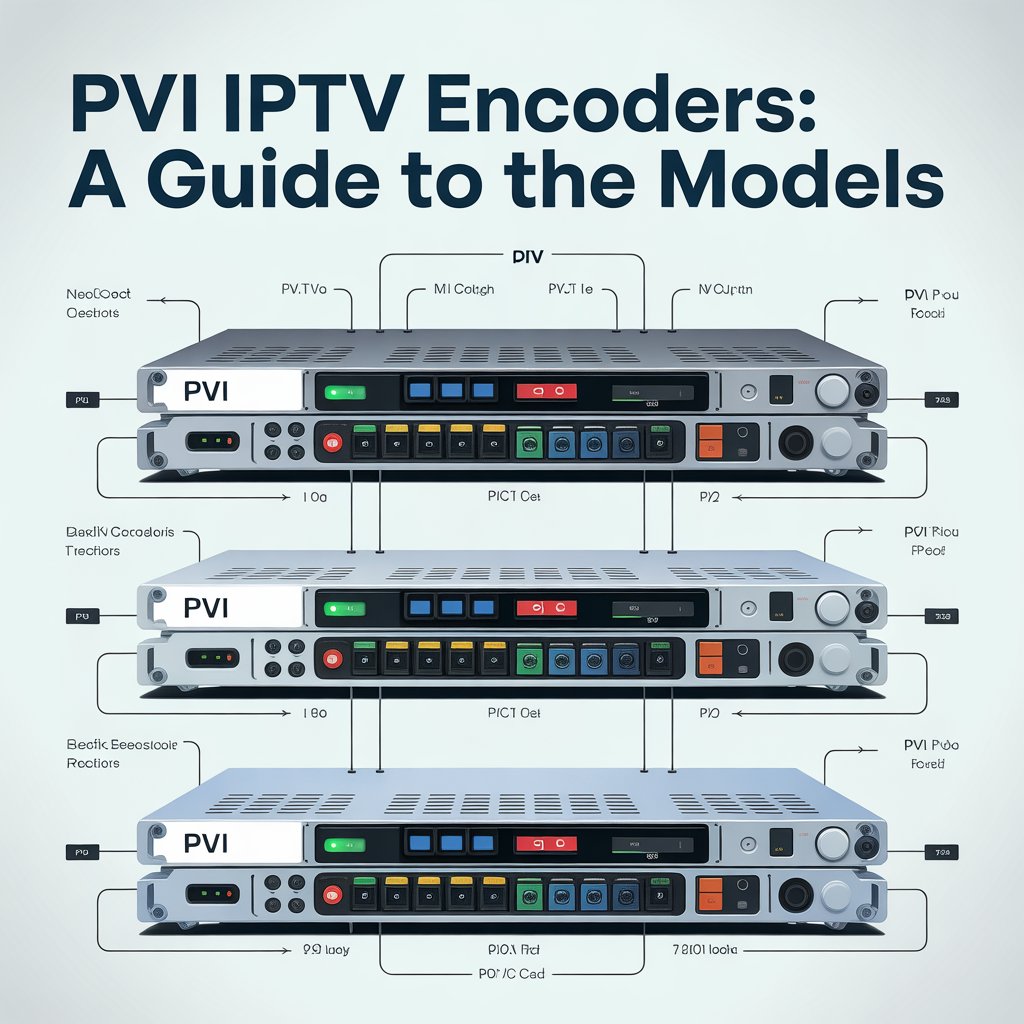
PVI IPTV encoder encoders (PVI encoders) are purpose-built hardware encoders from ProVideo Instruments and similar vendors used by broadcasters, hospitality providers, ISPs, and enterprises to convert live video sources into IP streams. They are engineered for 24/7 operation and optimized for low latency and high reliability.
Typical deployments include hotel IPTV systems, campus distribution, stadiums, internal corporate channels, and service-provider headends. PVI units focus on consistent quality, multiple channel support, and compatibility with standard streaming protocols.
How PVI IPTV Encoders Work (Simplified)
At a high level, the workflow of PVI IPTV encoder encoders follows four stages: input ingestion, encoding/compression, packaging/streaming, and distribution to playback devices.
1. Input Stage
Encoders accept video and audio from sources such as HDMI, SDI, RF (cable/antenna), cameras, and media players.
2. Encoding Stage
The encoder compresses the incoming video using industry codecs — typically H.264 (AVC) or H.265 (HEVC). Compression settings (bitrate, GOP, profile) are tuned for the network and target devices.
3. Packaging & Streaming
Encoded frames are packaged into streaming protocols: UDP/RTP for multicast/unicast, RTMP for social platforms, HLS for broad device compatibility, and newer options like SRT for secure, resilient links.
4. Distribution
Streams are delivered to middleware, CDN endpoints, set-top boxes, smart TVs, web players, and mobile apps for playback.
Key Features of PVI IPTV Encoder Encoders
PVI encoders are chosen for features that matter in production and commercial IPTV installations:
- Multi-channel encoding — simultaneous streams from multiple inputs.
- High compression efficiency — H.264 and H.265 support for bandwidth savings.
- Low latency — essential for live sports and interactive applications.
- Robust build quality — designed for continuous operation.
- Remote management — web UI and API control for fleet management.
- Middleware compatibility — integrates with common IPTV systems and EPGs.
Types of Signals Supported (HDMI, SDI, RF, CVBS & More)
One reason installers choose PVI IPTV encoder encoders is their broad input compatibility. Common supported inputs include:
- HDMI: consumer set-top boxes, consoles, playback devices.
- SDI: broadcast-grade cameras and studio gear.
- RF (coax): cable/satellite headends and antenna feeds.
- Analog (CVBS/component): supported by some models for legacy sources.
The ability to handle mixed inputs makes PVI ideal for headends that ingest many channel types.
Why PVI IPTV Encoder Encoders Are Popular in IPTV Deployments
PVI encoders are widely adopted for reasons beyond raw specifications. The brand reputation and field performance include:
- Reliability: designed to run continuously with low failure rates.
- Stream quality: stable video with predictable bitrates and minimal artifacts.
- Scalability: small deployments scale to enterprise headends with clustered management.
- Support & integrations: many middleware vendors certify compatibility.
H.264 vs H.265 Encoding in PVI Devices
Choosing between H.264 and H.265 is a trade-off: compatibility vs efficiency. Here’s a quick comparison relevant to PVI deployments.
H.264 (AVC)
Widely compatible with older devices and simpler to decode on legacy set-top boxes and older smart TVs. Lower computational load on decoders.
H.265 (HEVC)
Offers significant bandwidth savings (often 30–50% depending on content) and is preferred for 4K or high-motion streams. Requires compatible decoders and more processing power.
Which to choose?
- H.265: if network bandwidth is constrained or you need 4K delivery.
- H.264: when broad device compatibility is critical.
Best Use Cases for PVI IPTV Encoder Encoders
PVI encoders are suitable across many verticals. Common use cases include:
- IPTV service providers: ingest and re-distribute multiple channels to subscribers.
- Hospitality: hotel room TV systems with central channel distribution and custom channels.
- Corporate AV: internal communications, town halls, and meeting streaming.
- Education: lecture capture and campus broadcasting.
- Sports bars / stadiums: multi-screen, low-latency live feeds.
- Casinos: synchronized multi-channel displays and signage.
Setting Up a PVI IPTV Encoder: Step-by-Step
Below is a concise setup workflow that applies to most PVI encoder models.
Step 1: Connect Input Sources
Attach HDMI, SDI, or RF cables to your input ports. Verify the source is powered and outputting a valid signal.
Step 2: Connect to Network
Use a wired Ethernet connection for predictable throughput. Place the encoder on the same administrative network as your middleware or headend where possible.
Step 3: Access the Web Interface
Most encoders expose a web UI. Example access:
http://[encoder-ip-address]
Step 4: Configure Encoding Parameters
Select codec (H.264/H.265), resolution, bitrate, GOP structure, and audio codec. For IPTV, choose consistent bitrate profiles across channels to simplify CDN/middleware handling.
Step 5: Configure Output Streams
Set your streaming protocols — UDP multicast for LAN distribution, HLS for web players, RTMP for social feeds, or SRT for resilient transport between sites.
Step 6: Integrate with Middleware
Add the stream URLs to your middleware (Xtream UI, Ministra/Stalker, custom CMS) and confirm playback on target devices.
Step 7: Monitor & Optimize
Watch logs, CPU usage, frame drops, and network metrics. Adjust bitrate and buffering to balance quality with stability.
Troubleshooting Common Issues with PVI IPTV Encoder Encoders
Even robust hardware can encounter problems. Here are common issues and fixes:
No Video Signal
- Check physical connections and source power.
- Verify HDCP on the source; some encoders cannot decode HDCP-protected HDMI.
- Try a different cable or input port.
Missing Audio
- Confirm audio format and codec compatibility (AAC vs AAC-LC vs MP3).
- Try forcing stereo output rather than multichannel.
Buffering or Stuttering
- Lower the bitrate or increase buffer size at the player.
- Prefer wired connections and avoid congested Wi-Fi for primary distribution.
Overheating
- Ensure adequate airflow; avoid stacking units.
- Update firmware — sometimes thermal management improves with updates.
PVI Encoder Alternatives (Fair Comparison)
When evaluating hardware, consider these competitors and their typical strengths:
- VITEC: high-end broadcast encoders; strong enterprise features; premium pricing.
- Kiloview: flexible NDI and IP options; cost-effective for many workflows.
- Magewell: excellent for studio and live production integration.
- TBS / DVB tuners: useful for large channel ingestion but may require additional processing.
Each vendor has trade-offs: cost, codecs, management tools, and integration options. For many IPTV headends, PVI IPTV encoder encoders remain an excellent balance of price, reliability, and compatibility.
FAQs About PVI IPTV Encoder Encoders
Are PVI encoders suitable for commercial IPTV systems?
Yes — they’re designed specifically for commercial and enterprise IPTV deployments, offering robust features and 24/7 reliability.
Do PVI encoders support 4K?
Some modern models support 4K input and encoding. Verify model specifications for exact resolutions and codec support.
Can I stream to platforms like YouTube or Facebook?
Yes — using RTMP output you can stream directly to social platforms. Many encoders also support RTMP(S) and HLS.
Will my legacy set-top boxes work with H.265?
Older set-top boxes may lack H.265 decoders. If you must support legacy devices, use H.264 or transcode streams at the headend.
Useful Links & Resources
Internal reference: [Link to related article on IPTV configuration]
Technical reference: [Link to external technical reference]
Legal & compliance: [Link to relevant legal guide]
Media guidelines: [Link to WHO report on media quality]
Final Thoughts
In summary, PVI IPTV encoder encoders provide a reliable and scalable foundation for professional IPTV systems. Their multi-input support, robust build, codec flexibility, and remote management make them suitable for hospitality, enterprise, education, and service-provider environments.
If you’re designing an IPTV deployment, choose encoders based on your required inputs, codec strategy (H.264 vs H.265), and integration needs. Plan for monitoring and maintenance to ensure consistent quality across channels. Contact us to discuss your IPTV project Share, comment, or subscribe for updates.
