

HD IPTV Headend Encoder: Complete Professional Guide for Modern IPTV Systems
HD IPTV Headend Encoder: Complete Professional Guide for Modern IPTV Systems
Tone: Professional. Audience: IPTV operators, broadcasters, hotel IT managers, systems integrators, and advanced enthusiasts.
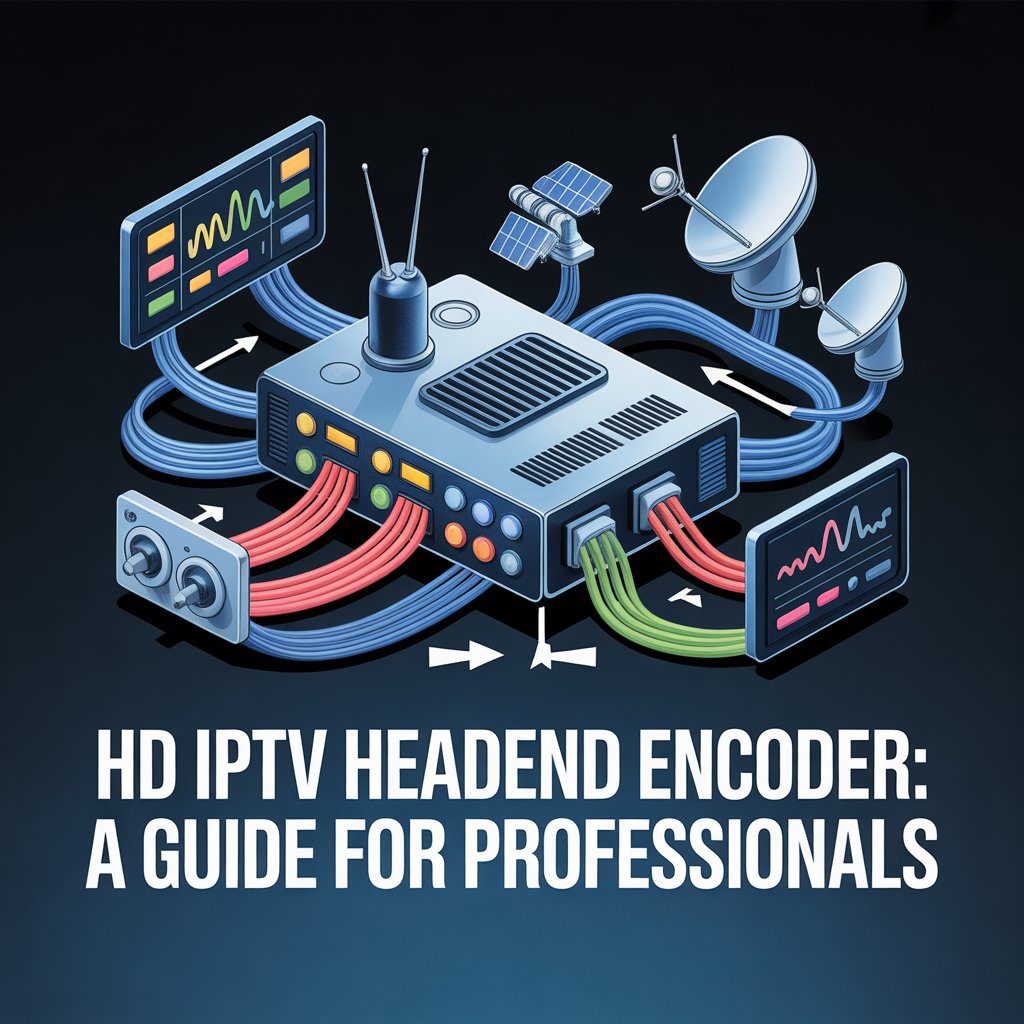
An HD IPTV headend encoder converts HDMI, SDI or legacy AV sources into compressed IPTV streams (H.264 / H.265 / MPEG-TS) for delivery over IP networks. It is the central device at an IPTV headend that ingests, encodes, and outputs channels ready for middleware, CDNs, STBs, smart TVs, and apps.
What is an HD IPTV Headend Encoder?
An HD IPTV headend encoder is a professional device designed to take one or more video sources — such as satellite receivers, set-top boxes, cameras, or media players — and convert them into IP-friendly, compressed video streams. These streams are then distributed across an IP network to viewers, digital signage endpoints, or content delivery systems. In the first paragraph of this article the keyword appears naturally to satisfy SEO best practices.
At its core, the headend encoder performs real-time video compression, packaging, and transport. It supports industry codecs and protocols and is typically rack-mounted in a headend or data center rack with cooling and redundant power.
Why HD IPTV Headend Encoders Matter
IPTV deployments continue to grow because IP distribution is flexible, scalable, and cost-efficient compared to legacy RF or coaxial systems. The HD IPTV headend encoder is the keystone of an IPTV distribution chain and directly impacts picture quality, latency, bandwidth usage, and overall viewer experience.
Well-selected and correctly configured encoders reduce operational costs, support more channels per network, and enable advanced features like DRM, dynamic ad insertion, and multi-bitrate adaptive streaming.
Primary Benefits
- High-quality video delivery — native support for 720p, 1080p, and in many cases 4K streams.
- Bandwidth efficiency — modern codecs (H.265/HEVC) transmit the same quality at far lower bitrates than older formats.
- Protocol flexibility — supports UDP multicast for LAN distribution and HLS/RTMP/SRT for OTT and internet streaming.
- Centralized management — web dashboards remote monitoring and SNMP integration reduce engineering overhead.
- Scalability — multi-channel headend units allow expansion as your channel lineup grows.
How an HD IPTV Headend Encoder Works
The workflow of a headend encoder follows a simple pipeline: ingest → encode → package → deliver. Each stage requires careful attention to settings so that the output stream matches the destination device capabilities and network limitations.
Typical Workflow
- Ingest — connect HDMI, SDI, CVBS, or other inputs from content sources.
- Encode — compress the video using H.264 or H.265 with appropriate bitrate and GOP settings.
- Package — wrap the compressed video into transport protocols such as MPEG-TS, HLS segments for adaptive streaming, or RTP/RTSP for live workflows.
- Deliver — stream the content across your LAN, CDN, or directly to endpoints using multicast unicast or hybrid methods.
Understanding this pipeline helps when troubleshooting playback problems, optimizing bandwidth, or integrating encoders with middleware and DRM solutions.
Types of HD IPTV Headend Encoders
Headend encoders come in several form factors and specializations. Choose the type aligned with your operation.
HDMI Headend Encoders
Designed mainly for consumer source integration (set-top boxes, media players, gaming consoles). Many rack systems offer HDMI input modules.
SDI Headend Encoders
Used in professional broadcast environments where SDI sources and workflows are common. SDI encoders provide genlock, embedded audio handling, and frame-accurate switching.
Multi-Channel / Modular Headend Encoders
Rack-mounted chassis that accept multiple input modules and encode dozens of channels simultaneously. Ideal for hotels, ISPs, and large campus deployments.
H.265 / HEVC Headend Encoders
Optimized for bandwidth savings. If your subscriber devices support H.265, using a HEVC-based HD IPTV headend encoder can reduce required network bandwidth substantially.
Portable & Field Encoders
Handheld or small encoders used for live events, ENG (electronic news gathering), or mobile broadcast trucks.
Key Features to Look For
Not all encoders are created equal. When evaluating hardware or virtual headend encoders, prioritize these features.
- Codec support: H.264 (AVC) and H.265 (HEVC) are table-stakes. Some deployments still require MPEG-2 or MPEG-TS outputs.
- Protocol support: UDP multicast, RTP, RTSP, HLS, RTMP, SRT, and DASH for flexible delivery options.
- Channel density: number of simultaneous channels per chassis or server—4, 8, 16, 24, 32, and higher.
- Low latency modes: essential for live sports and interactive use-cases.
- Management tools: web GUI, REST APIs, SNMP, and NMS compatibility.
- Redundancy: dual power supplies, failover streaming, and hot-swappable modules.
- Audio formats: AAC, AC3, MP3, and multi-track audio and subtitling support.
Choosing the Right HD IPTV Headend Encoder
Match the encoder to your business goals, network, and client devices. Consider current needs and plan for growth.
Step-by-step selection checklist
- Count channels — estimate present and future channel requirements.
- Confirm device compatibility — ensure end-user STBs, smart TVs, and apps support your chosen codecs (H.264 vs H.265).
- Review network topology — will you use multicast across a closed LAN or deliver streams across public networks/CDNs?
- Decide on protocols — multicast for LAN efficiency, HLS for OTT, SRT for resilient internet transport.
- Plan redundancy — for 24/7 critical services, plan N+1 redundancy and monitoring frameworks.
- Budget for licensing — some encoders or codecs may require licensing fees or subscription services for advanced features.
HD IPTV Headend Encoder Setup & Best Practices
Deploying a headend encoder correctly avoids common problems. Below is a concise deployment checklist and best practices guide.
Hardware & Environment
- Install in a well-ventilated rack to ensure proper heat dissipation.
- Use dual power circuits or UPS to protect against outages and brownouts.
- Log encoder serial numbers, firmware versions, and configuration backups.
Network Configuration
- Use managed switches with
IGMP Snoopingand anIGMP Querierfor multicast performance. - Segment IPTV traffic onto a dedicated VLAN to reduce packet loss and interference with business-critical traffic.
- Plan QoS policies to prioritize video packets if sharing uplinks with other services.
Encoding Settings
- Choose CBR (constant bitrate) for STB compatibility, VBR for variable quality optimized networks.
- Set GOP length according to latency vs compression needs—shorter GOPs reduce latency, longer GOPs increase compression efficiency.
- Optimize bitrate per content type—sports needs higher bitrates than talk shows.
Testing & Monitoring
- Test streams on target devices (VLC, STBs, smart TVs, apps) before full launch.
- Implement SNMP and monitoring dashboards to catch packet loss, high CPU, or overheating early.
- Maintain a play-out checklist for changes (firmware upgrades, configuration changes).
Integration: Middleware, DRM, and EPG
An HD IPTV headend encoder doesn’t operate in isolation. It typically plugs into middleware which handles user authentication, channel lists, EPG (electronic program guide), and billing or entitlement systems (CAS/DRM).
When integrating, ensure your encoder can:
- Expose channel streams via compatible service discovery (m3u playlists, multicast addresses, or HTTP manifests).
- Support SCTE-35 or similar markers if you plan dynamic ad insertion.
- Produce encrypted streams or integrate with DRM/CAS systems where content protection is required.
Common Deployment Scenarios
Hotels & Hospitality
Hotels use multi-channel encoders to deliver local and international channels to guest rooms. Integration with property management systems and hotel TV portals provides a branded guest experience.
ISPs & Telcos
ISPs encode hundreds of channels at headends and distribute them via multicast across subscriber access networks or through CDNs to OTT platforms. Scalability and monitoring are paramount.
Corporate & Campus
Corporate campuses deploy encoders for training, signage, and internal broadcasts. Often these systems prioritize simplicity and reliability over large channel counts.
Broadcast & Events
Broadcasters and live event teams require low-latency, frame-accurate encoders with SDI inputs and robust monitoring for live sports or concerts.
Pricing & Budget Guide
Costs vary widely based on channel count, input types, and enterprise features. Below is a generalized range to help planning:
| Encoder Type | Typical Price Range (USD) |
|---|---|
| 1–4 channel HDMI encoder | $150–$600 |
| 8–16 channel rack-mounted headend encoder | $1,000–$4,000 |
| 24–32 channel modular headend encoder | $3,500–$10,000 |
| Professional SDI encoder (per channel) | $800–$3,000 |
Remember to budget for associated costs such as cabling, rack space, switches, licensing fees, and ongoing support or warranty plans.
Network and Security Considerations
Security and network stability directly affect content delivery. Protect streams and headend infrastructure with industry best practices.
- Encrypt transport when delivering over public networks—SRT and RTMPS are common choices.
- Use VLANs and ACLs to isolate IPTV traffic from corporate traffic.
- Harden management interfaces with strong passwords, IP whitelisting, and HTTPS for admin UIs.
- Monitor for anomalies that may indicate piracy or misconfiguration.
Common Mistakes to Avoid
- Assuming all client devices support H.265 — verify compatibility before deploying HEVC-only streams.
- Not planning for multicast—IGMP and switch configuration can break multicast delivery if overlooked.
- Undersizing bitrates for high-motion content like sports; under-allocating causes visible artifacts.
- Skipping monitoring and automated alerts — small issues compound quickly in live services.
Checklist: Final Steps Before Going Live
- Validate every channel on representative client devices across the network.
- Verify EPG mapping and channel metadata in your middleware.
- Confirm stream redundancy and failover procedures are operationally tested.
- Schedule a maintenance window for firmware updates and record rollback procedures.
Internal & External Link Placeholders
Use these placeholders to add links when publishing:
- [Link to related article on HDMI IPTV encoders]
- [Link to related article on multi-channel headend setups]
- [Link to related article comparing H.264 vs H.265]
- [External link placeholder: Link to IEEE research on video compression]
- [External link placeholder: Link to streaming industry standards or vendor documentation]
Meta Description (155–160 characters)
Professional guide to HD IPTV headend encoders, how they work, key features, benefits, setup tips, and buying advice for IPTV operators and broadcasters.
Conclusion
Investing in a correct HD IPTV headend encoder and following best practices for configuration, network planning, and integration with middleware ensures reliable, high-quality IPTV delivery. Whether you’re operating a hotel, an ISP, a campus network, or a broadcast environment, prioritizing codec compatibility, protocol support, redundancy, and management will save time and reduce service interruptions.
Ready to build your IPTV headend?
Contact us for a free consultation, or subscribe for a step-by-step setup guide and hardware recommendations tailored to your network.
