

Vecaster 4K IPTV Encoder: The Complete Expert Guide for High-Quality IPTV Streaming
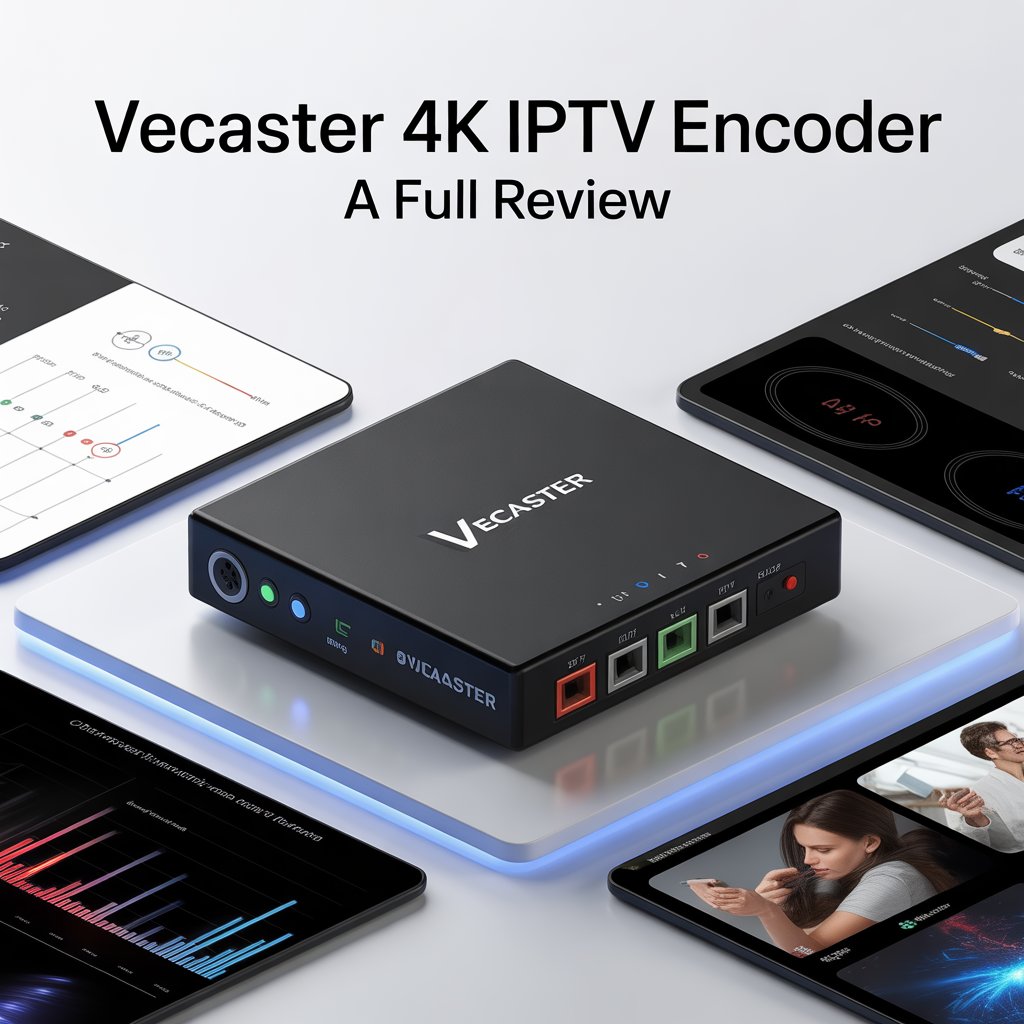
Vecaster 4K IPTV Encoder: The Complete Expert Guide for High-Quality IPTV Streaming
Summary: A Vecaster 4K IPTV encoder is a professional hardware device that converts HDMI or SDI video sources into high-quality 4K IPTV streams using protocols like H.265, H.264, RTMP, UDP, and NDI.
If you’re looking for a powerful, reliable, and ultra-high-definition encoder, the Vecaster 4K IPTV encoder is one of the most capable solutions in the IPTV industry. This device offers 4K UHD hardware encoding paired with stable IPTV streaming protocols—making it ideal for IPTV headends, hospitality systems, digital signage, broadcast events, worship services, and high-demand streaming workflows.
In this in-depth guide, we’ll explore what makes the Vecaster 4K IPTV encoder stand out, its features, benefits, setup process, use cases, comparisons, troubleshooting tips, and much more. Whether you’re a professional broadcaster, an IPTV operator, or a media systems integrator, this comprehensive overview will help you understand if the Vecaster 4K is the right fit for your streaming needs.
What Is a Vecaster 4K IPTV Encoder?
A Vecaster 4K IPTV encoder is a hardware encoder designed to convert HDMI/SDI video signals into compressed IPTV streams in formats like H.265/HEVC, H.264/AVC, RTMP, UDP Multicast, SRT, NDI, and HLS. It’s built for 24/7 continuous operation in professional distribution environments and supports full 4K UHD resolutions up to 2160p.
Key Characteristics
- Hardware-level 4K video encoding
- Low-latency output suitable for real-time applications
- Multi-protocol support for IPTV and OTT
- High reliability for 24/7 operation
- Web-based management interface
- Multi-bitrate and multi-stream output
- Professional audio support (AAC, MP3, AC3 passthrough)
Why the Vecaster 4K IPTV Encoder Is So Popular
The rise of 4K streaming has increased the demand for robust hardware encoders capable of maintaining ultra-high video quality without compromising stability. The Vecaster 4K IPTV encoder has become popular because it bridges the gap between professional broadcast performance and user-friendly IPTV workflows.
Professionals choose it because it offers:
- Exceptional 4K video clarity
- Broad compatibility with IPTV middleware
- Reliable performance under heavy load
- Easy integration with headend systems
- Support for modern compression standards like HEVC
Features of the Vecaster 4K IPTV Encoder
Advanced Encoding Technologies in the Vecaster 4K IPTV Encoder
The encoder leverages cutting-edge video compression to deliver crisp and stable IPTV streams.
H.265/HEVC Compression
H.265 reduces bandwidth usage by up to 50% compared to H.264 while preserving image quality, making it essential for 4K IPTV.
Multi-bitrate Output (MBR)
The device can deliver multiple stream outputs simultaneously, each at different resolutions or bitrates. This is crucial for:
- Smart TVs
- Mobile devices
- Set-top boxes
- Web players
HDR Support (Model-Dependent)
Some Vecaster models support HDR standards such as HDR10 and HLG, allowing for richer color depth and contrast.
IPTV Protocol Support for Maximum Compatibility
One reason the Vecaster 4K IPTV encoder is widely used in IPTV headends and streaming infrastructure is its broad protocol support. It typically includes:
- UDP Multicast / Unicast — for local IPTV distribution
- RTMP / RTMPS — for YouTube, Facebook, and other CDNs
- SRT — secure, low-latency streaming
- NDI — for live production systems
- HTTP / HLS — for OTT delivery
- RTSP — surveillance and monitoring
- MPEG-TS — broadcast-grade transport
Benefits of Using a Vecaster 4K IPTV Encoder
Superior 4K Quality with Minimal Bandwidth
With HEVC encoding, a 4K stream can operate smoothly even at 10–20 Mbps, maintaining exceptional clarity while minimizing network load.
Benefits include:
- Reduced server costs
- More efficient IPTV distribution
- Improved playback on smart TVs and set-top boxes
Easy Setup and Configuration
The device uses a clean web-based GUI where users can configure IP settings, adjust bitrate and resolution, select streaming protocols, and monitor real-time performance. Setup typically takes under 10 minutes—even for beginners.
Reliable 24/7 Operation for Professional Environments
Engineered for nonstop use, the Vecaster 4K IPTV encoder includes heat-resistant chipsets, efficient cooling, stable power consumption, and error-free transport stream generation. This makes it ideal for commercial IPTV deployments and broadcast studios.
Technical Specifications of the Vecaster 4K IPTV Encoder
| Feature | Specification |
|---|---|
| Video Input | HDMI/SDI 4K |
| Max Resolution | 3840×2160 (4K UHD) |
| Encoding | H.265/H.264 |
| Protocols | UDP, RTMP, RTSP, SRT, HLS, NDI |
| Audio | AAC, MP3, AC3 passthrough |
| Network | 1Gb Ethernet |
| Multi-Stream | Yes |
| Web GUI | Yes |
| Rack-mount Option | Yes |
Use Cases for the Vecaster 4K IPTV Encoder
IPTV Operators and Service Providers
Organizations deploying IPTV services rely on 4K encoders to distribute premium channels. The Vecaster 4K encoder integrates seamlessly with middleware portals, IPTV headends, multicast networks, and CDN distribution.
Hotels, Hospitality, and Resorts
Hotels deploying IPTV solutions use the Vecaster encoder to broadcast local channels, promotional videos, digital signage, and conference event streams. Its stability ensures uninterrupted viewing for guests.
Churches and Worship Centers
Many churches use the Vecaster 4K IPTV encoder to live-stream sermons, distribute content across campus displays, and broadcast worship services to remote viewers.
Education and Universities
Universities rely on IPTV systems for lecture capture distribution, campus television, and 4K e-learning content delivery. The encoder ensures smooth playback even in bandwidth-limited environments.
Corporate and Enterprise Networks
Corporations use the encoder for internal IPTV channels, training content distribution, and digital signage streams.
Setting Up the Vecaster 4K IPTV Encoder
- Connect Video Input: Plug in HDMI or SDI source (camera, PC, mixer, set-top box).
- Connect to Network: Use a Gigabit Ethernet connection for best performance.
- Open Web Interface: Access via browser:
http://192.168.1.xxx - Configure Encoding Settings: Adjust codec (H.265 recommended), resolution, bitrate, audio format, and rate control (CBR for IPTV).
- Choose Streaming Protocol: Select UDP Multicast for IPTV, RTMP for YouTube, SRT for long-distance streams, or HLS for web playback.
- Test Stream: Use VLC or a monitoring tool to confirm stream stability.
Best Settings for the Vecaster 4K IPTV Encoder
Recommended 4K IPTV Settings
- Codec: H.265/HEVC
- Resolution: 3840×2160
- Bitrate: 12–16 Mbps CBR
- GOP: 50–60
- Profile: Main10 (if supported)
- Audio: AAC 128 Kbps
Recommended 1080p IPTV Settings
- Bitrate: 4–6 Mbps
- Codec: H.264 or H.265
- Profile: High
- GOP: 30
- Audio: AAC 96–128 Kbps
Vecaster 4K IPTV Encoder vs Other Encoder Brands
Against Generic Chinese Encoders
| Feature | Vecaster 4K | Generic Models |
|---|---|---|
| 4K Stability | Excellent | Unstable |
| GUI | Professional | Basic |
| Protocol Support | Broad | Limited |
| Build Quality | High | Low |
Against Teradek or Kiloview
Vecaster provides similar quality at a more affordable price, making it appealing to small IPTV operators.
Troubleshooting Vecaster 4K IPTV Encoder Issues
1. No Video Output
Check input cable, resolution compatibility, and DRM-protected sources (may block output).
2. UDP Multicast Not Working
Ensure IGMP Snooping is enabled and verify network switch supports multicast.
3. High Latency
Use H.265 low-latency mode and switch from HLS to UDP or SRT.
4. Pixelation or Artifacts
Increase bitrate, set fixed CBR, or use a higher profile or better GOP value.
Maintenance Tips for Long-Term Use
- Keep device well-ventilated
- Update firmware
- Reboot monthly for stability
- Use high-quality HDMI/SDI cables
Internal and External Link Placeholders
- For more IPTV setup guides: [Link to related article on IPTV configuration]
- For industry insights: [Link to credible video streaming report]
- For network troubleshooting: [Link to networking basics guide]
Conclusion
The Vecaster 4K IPTV encoder is an exceptional solution for anyone needing stable, professional-grade 4K video encoding. From IPTV operators to churches, hotels, schools, and broadcasters, its versatility and reliability make it one of the best encoders available today.
With its rich feature set, advanced compression, multi-protocol support, and easy setup, it stands out as a powerful yet cost-effective choice for modern IPTV systems.
